Skip to content

Digital marketing education

AI Graphic Design for Social Media: When AI Helps, When It Hurts

November 16, 2026 4 min read
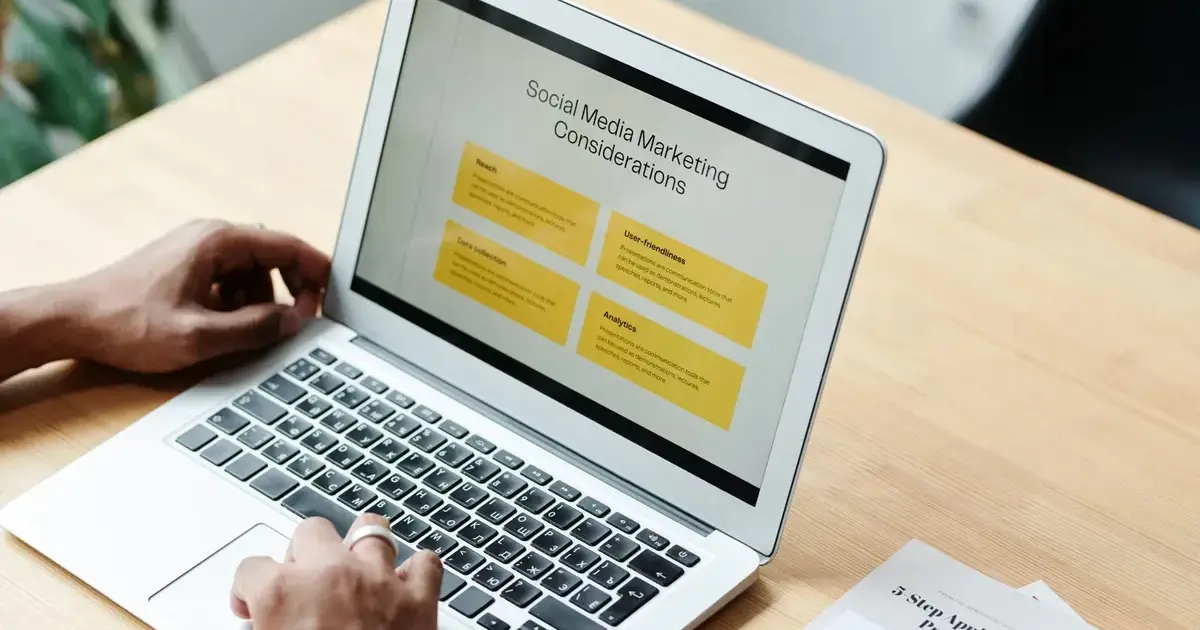
AI graphic design for social media: AI draft and edited post side by side

AI graphic design for social media is now part of everyday work for designers and social media managers. Tools like Canva AI, Adobe Firefly and Midjourney can turn an idea into a post layout in minutes. But a fast post is not always a good post. This guide explains where AI saves time, where it damages a brand, and a simple process to get the best of both.

What AI does well in social media design

  • First drafts and layouts: AI suggests compositions and colour options so you are never starting from a blank canvas.
  • Repeating formats: quote posts, festival greetings, offer templates and carousels that follow one style.
  • Background images and mock-ups: Firefly and Midjourney create scenes that would take hours to shoot.
  • Resizing: one design adapted for Instagram feed, Stories, YouTube Shorts covers and WhatsApp status.
  • Captions and hooks: ChatGPT or Claude suggest caption options and reel hooks you can refine.

Where AI visuals fall short

AI images can look generic, and when every brand uses the same tools, feeds start to look alike. Common problems include spelling mistakes inside images, odd hands and faces, colours that do not match the brand kit, and products that look slightly wrong. Real products, real people and real places still need real photos.

Likes vs saves and shares

A like takes one second. A save means ‘I want to come back to this’, and a share means someone puts their name behind your post. When you compare AI and hand-made designs, judge them by saves, shares and enquiries, not by likes alone. Instagram Insights and Meta Business Suite show these numbers for every post.

The hybrid workflow most designers use

  1. Write the brief: goal, audience, brand colours and one message.
  2. Generate two or three AI drafts in Canva AI or Firefly.
  3. Pick one and edit by hand: fix text, swap in real product photos, apply the brand kit.
  4. Write the caption with AI, then rewrite it in the brand’s voice.
  5. Publish, then check saves, shares and comments after a week.

When to skip AI completely

  • Product launches and price announcements, where details must be exact.
  • Posts showing your team, customers or real results.
  • Anything sensitive or emotional, such as condolence or apology posts.

Ethics, labels and brand trust

Platforms such as Instagram and Facebook ask creators to label realistic AI-generated images and video. Read each AI tool’s terms before using its images in client work. Tell clients which parts of their content used AI. A hidden AI image that followers discover later can hurt trust more than an honest label.

Pre-post checklist

  • Every word inside the image is spelled correctly.
  • Colours, fonts and logo match the brand kit.
  • Hands, faces and products look natural.
  • You have the right to use every image.
  • An AI label is added where the platform requires it.

Learn AI graphic design and social media in Udaipur

GPC AI Institute’s graphic design course in Udaipur teaches this exact workflow over three months: Canva AI, Photoshop, Firefly, Midjourney, CapCut reels and Meta Business Suite, ending with a full campaign for a real brand. If you prefer data and Google over design, see the AI digital marketing course in Udaipur. For the bigger picture, read AI in digital marketing.

Set up your brand kit, describe the post to Canva AI, pick a layout, then edit text, colours and images by hand before you publish.

Yes for drafts and repeating formats. For products, people and launches, edit by hand or use real photos.

No. AI speeds up drafts, but brands still need designers who understand the brand, fix mistakes and make creative choices.

Canva AI, Adobe Firefly, Midjourney, CapCut, ChatGPT or Claude for captions, and Meta Business Suite for scheduling and insights.

Meta asks for labels on realistic AI-generated images and video. Check the current policy before posting.

It depends on your plan and the tool’s terms. Read the licence before using images commercially.

Design basics, content planning, reels editing, captions, scheduling and reading insights — with AI tools for each step.

Build a portfolio of real posts and reels, create Behance and Instagram profiles, and start with small local brands.